AutoScanTrade Lite videos
47 short videos for AutoScanTrade Lite, the version you trade entirely by hand. Each topic has a two-minute walkthrough and a thirty-second version, recorded on Lite itself in paper mode with made-up symbols and prices.
Start here
What Lite is, how it fits together, how it compares with the full desk, and paper and live trading.
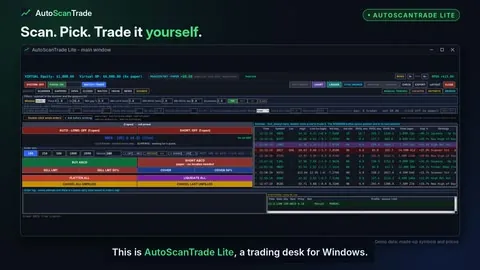 AutoScanTrade Lite - the manual trading desk in two minutes2:00 · 0:30
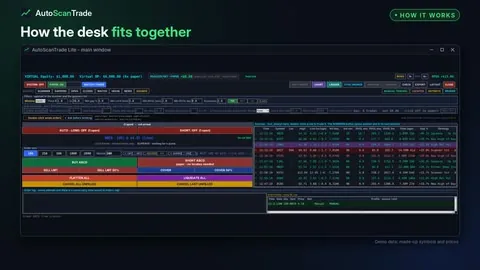 How AutoScanTrade Lite fits together - scan, pick, trade, exit, review2:00 · 0:30
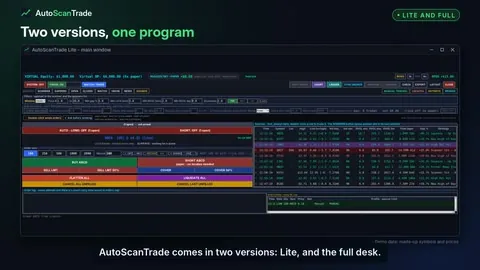 AutoScanTrade Lite and the full desk - what is the same, what the full desk adds2:00 · 0:30
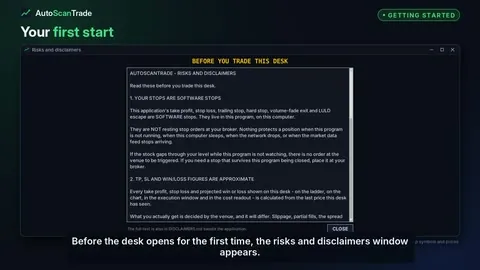 Getting started with AutoScanTrade Lite - first start, keys and paper mode2:00 · 0:30
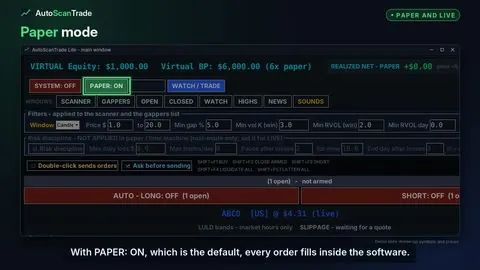 Paper mode, going live, and what SYSTEM means in Lite2:00 · 0:30
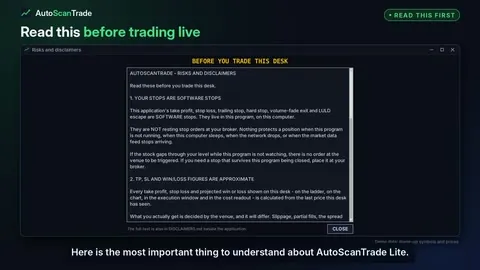 Software stops - what to know before trading live with Lite2:00 · 0:30
Scanner and market lists
Filters, session sets, the board, alert types, row colours, halts, float, gappers, watchlist, new highs and news.
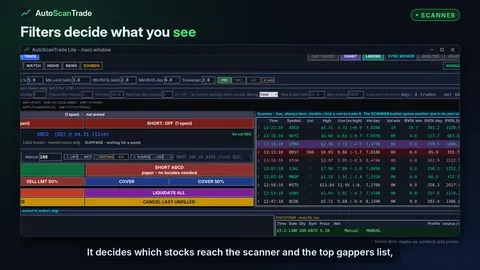 Scanner filters - price, gap, volume and relative volume2:00 · 0:30
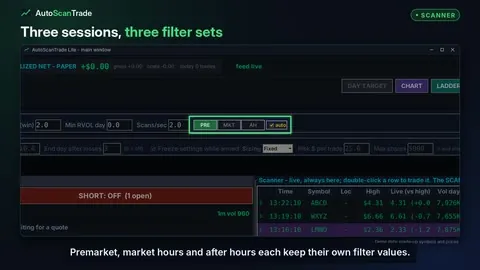 Session sets - PRE, MKT, AH and auto2:00 · 0:30
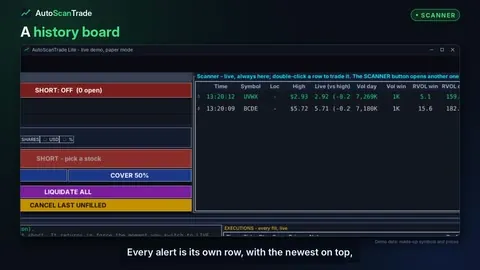 The scanner board - every alert, its own row2:00 · 0:30
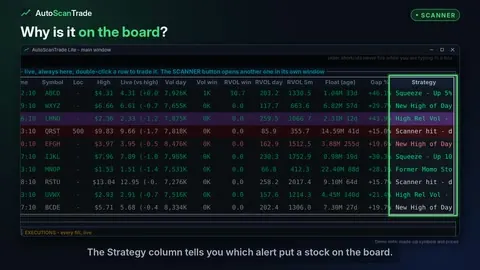 Scanner alert types - what each Strategy means2:00 · 0:30
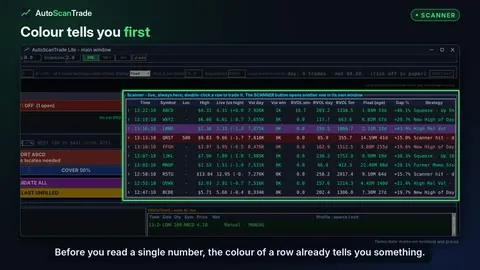 Scanner row colours - what green, purple, red and yellow mean2:00 · 0:30
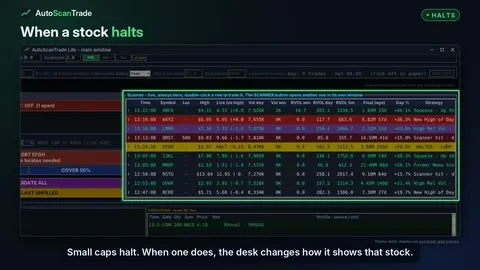 Halted stocks - how the desk shows a halt2:00 · 0:30
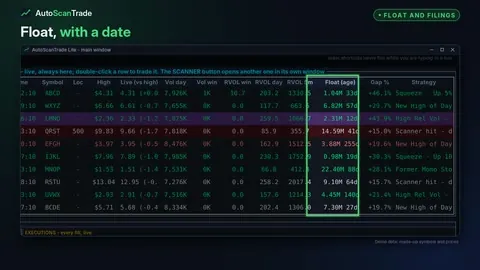 Float with its age, and where a stock files from2:00 · 0:30
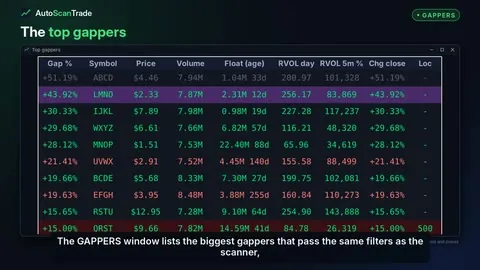 Top gappers - the biggest gappers that pass your filters2:00 · 0:30
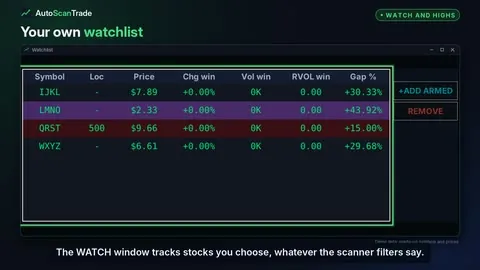 Watchlist and new highs2:00 · 0:30
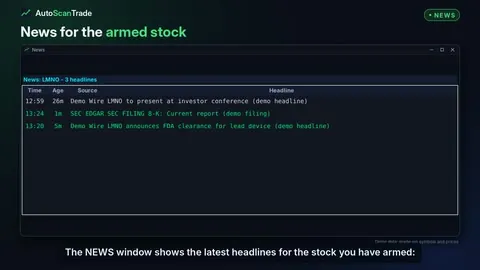 News and SEC filings for the stocks you watch2:00 · 0:30
Trading panel and hotkeys
The header, order size, limit and market orders, the resting rail, BUY and SHORT, the eight buttons, hotkeys, locates and MANUAL TRADING.
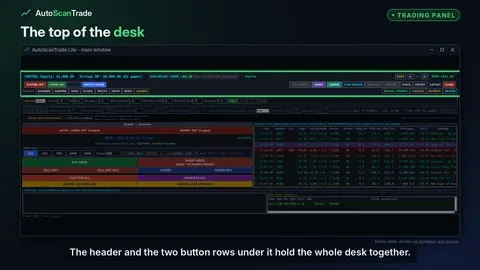 The header and button rows - a tour of the top of the Lite desk2:00 · 0:30
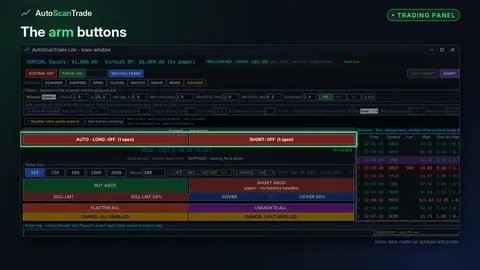 The top of the trading panel - open counts, 1m volume, LULD and slippage2:00 · 0:30
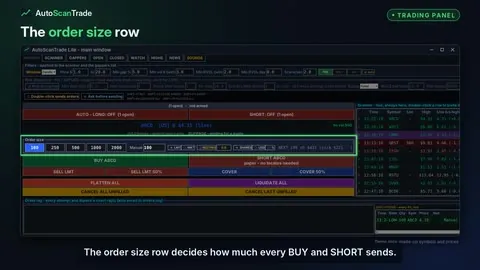 Order size - shares, dollars or percent of buying power2:00 · 0:30
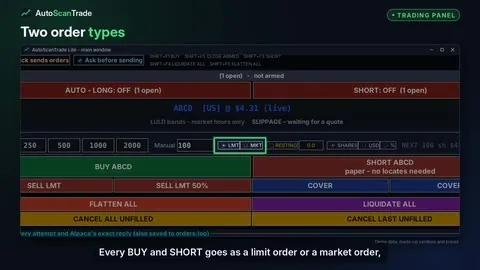 Limit or market - LMT and MKT orders, every session2:00 · 0:30
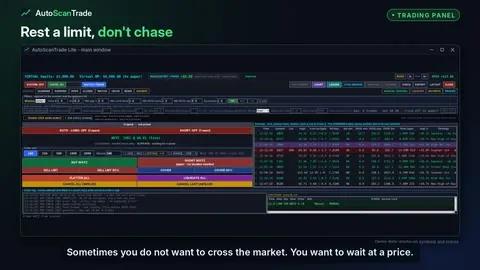 The resting rail - a limit entry you drag into place2:00 · 0:30
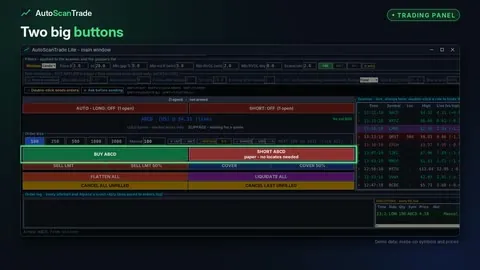 BUY and SHORT - one click, no confirmation box2:00 · 0:30
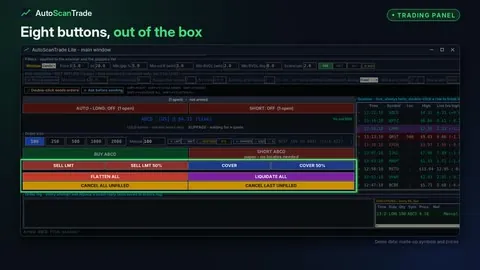 The eight buttons - sell, cover, flatten, liquidate and cancel2:00 · 0:30
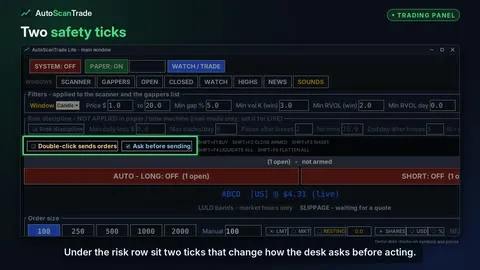 Ask before sending, double-click, and when an order is refused2:00 · 0:30
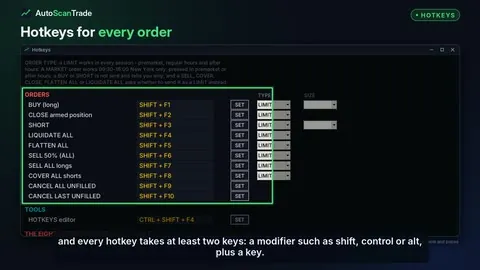 Hotkeys - two-key shortcuts for every order2:00 · 0:30
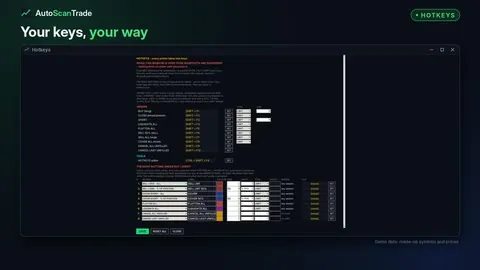 The HOTKEYS window - set your keys and your eight buttons2:00 · 0:30
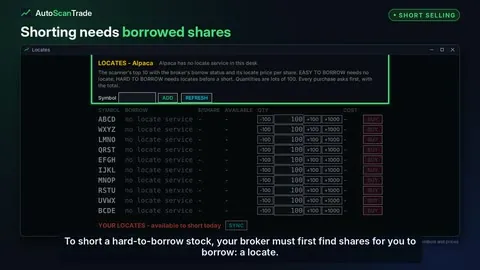 Short selling and locates2:00 · 0:30
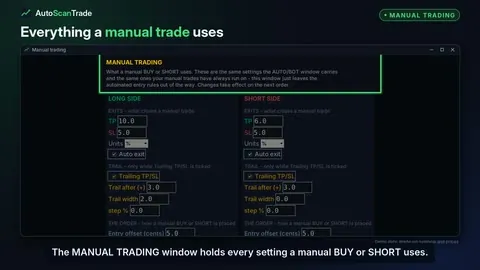 The MANUAL TRADING window - every setting a manual trade uses2:00 · 0:30
Trade ladder and chart
The ladder and its levels, the trailing stop on the rail, the chart, indicators and chart signals.
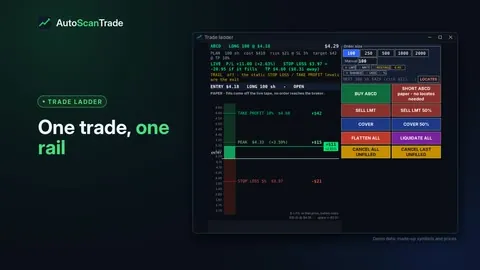 The trade ladder - one trade on one price rail2:00 · 0:30
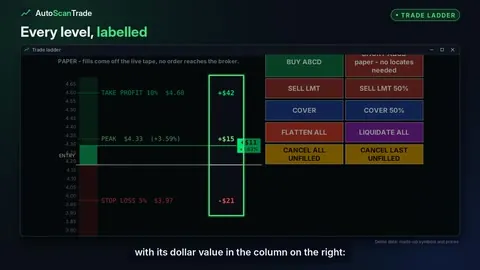 Ladder levels - take profit, stop loss, peak, and dragging them2:00 · 0:30
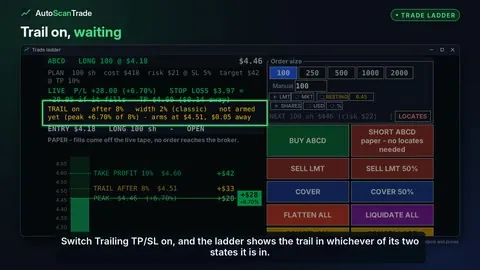 The trailing stop on the ladder - waiting, then running2:00 · 0:30
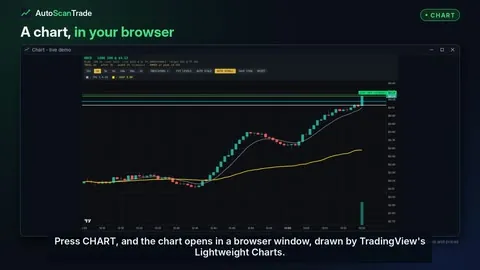 The chart - candles, your levels and the live result2:00 · 0:30
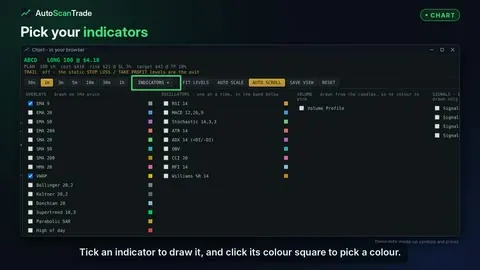 Chart indicators - overlays, oscillators and volume profile2:00 · 0:30
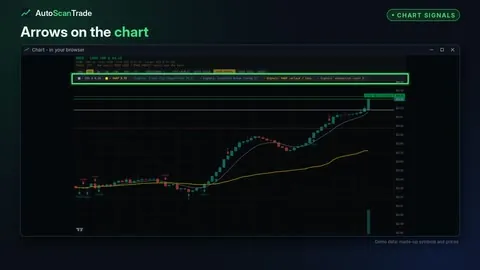 Chart signals - trend flip, structure break, VWAP reclaim and exhaustion2:00 · 0:30
Exits and risk controls
Auto exit and units, take profit and stop loss, the trailing stop, the step lock and the risk row.
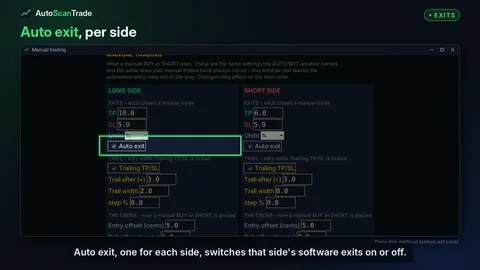 Auto exit and units - percent or dollars2:00 · 0:30
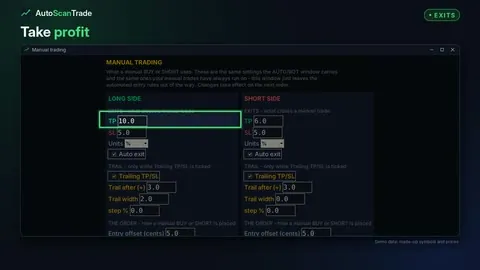 Take profit and stop loss2:00 · 0:30
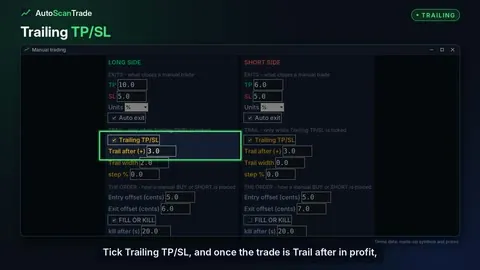 The trailing stop - trail after and trail width2:00 · 0:30
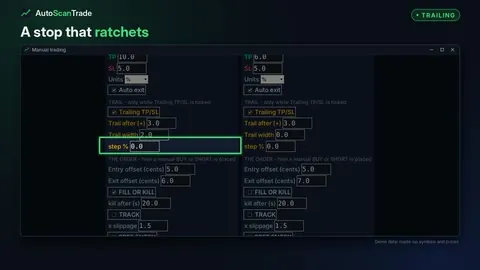 The step lock - a stop that ratchets in steps2:00 · 0:30
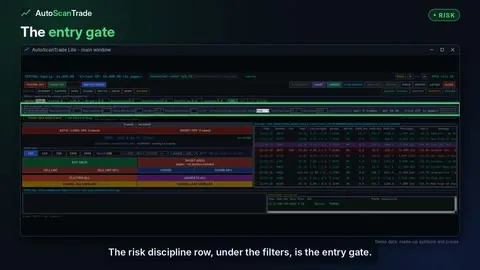 Risk discipline - daily loss, trade caps and losing streaks2:00 · 0:30
Trades and the order log
Realized net, open and closed trades, the order log and executions, SYNC BROKER and EXPORT.
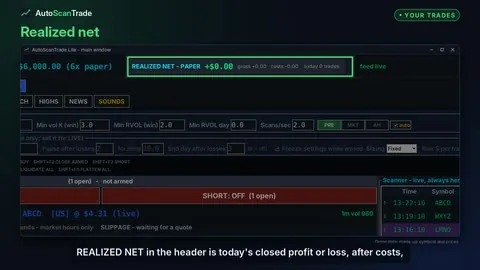 Realized net, open trades and closed trades2:00 · 0:30
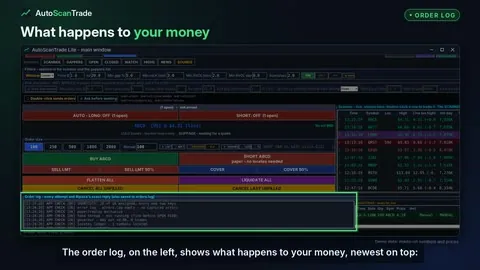 The order log and executions - every order and every reply2:00 · 0:30
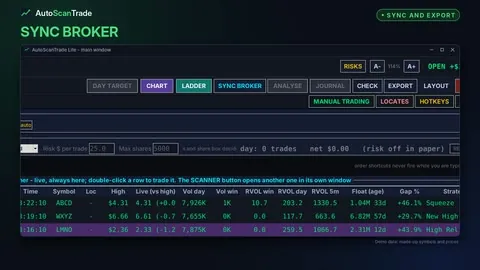 SYNC BROKER, EXPORT, and paper kept apart from live2:00 · 0:30
Broker, keys and settings
The BROKER window, credentials, sounds, layouts and text size, CHECK and the clock.
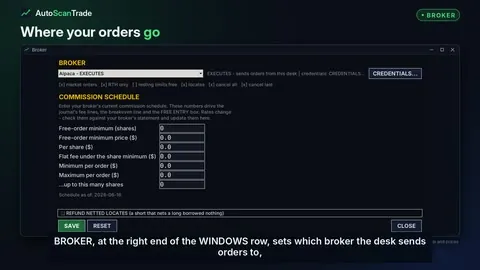 The BROKER window and your commission schedule
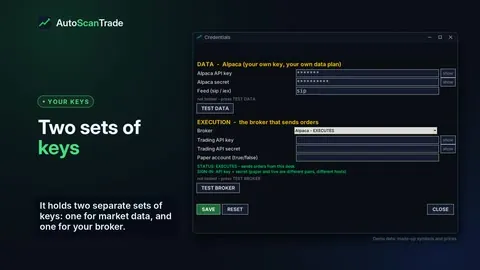 Credentials - your data key and broker keys stay on your PC
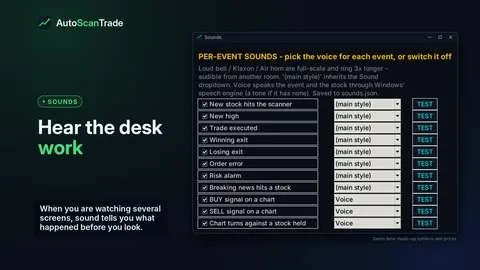 Sounds - a voice for every event
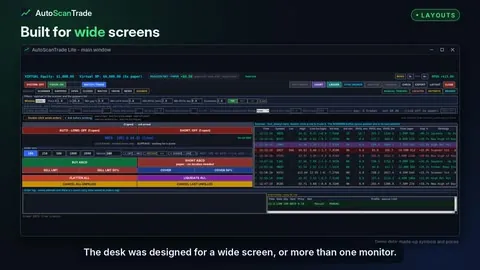 Layouts and text size - fit the desk to your screens
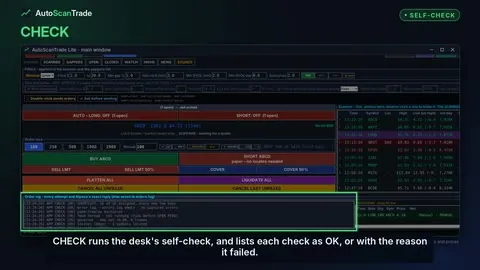 CHECK, the risks window, and the clock