AutoScanTrade video guide
73 short videos, one for each part of the desk. Each topic has a two-minute walkthrough and a thirty-second version, filmed on the real program in paper mode with made-up symbols and prices.
Start here
What the desk is, how it fits together, Lite and the full desk, and paper and live trading.
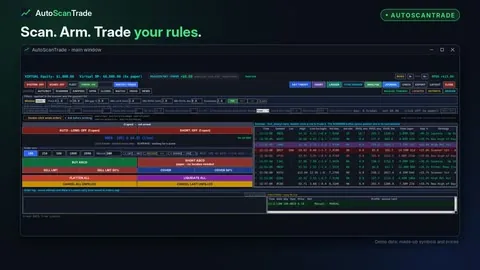 AutoScanTrade - the trading desk in two minutes2:00 · 0:30
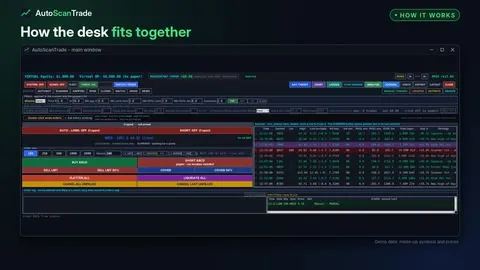 How AutoScanTrade fits together - scan, arm, trade, exit, review2:00 · 0:30
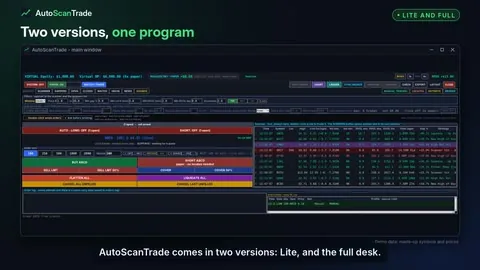 AutoScanTrade Lite and the full desk - two versions, one program2:00 · 0:30
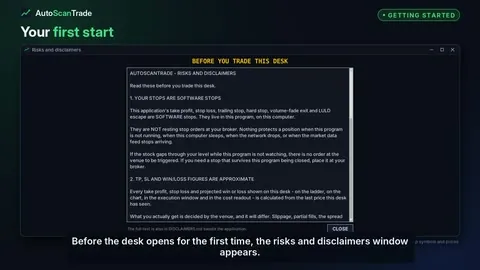 Getting started with AutoScanTrade - first start, keys and paper mode2:00 · 0:30
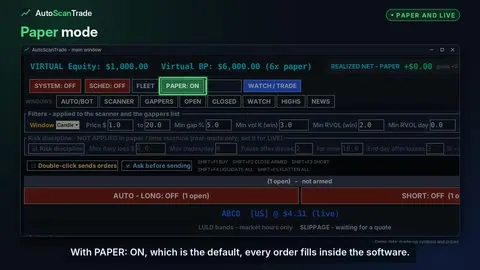 Paper mode, going live and the SYSTEM switch2:00 · 0:30
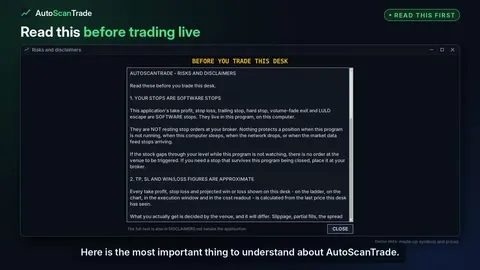 Software stops - what to know before trading live2:00 · 0:30
Scanner and market lists
Filters, session sets, alerts, row colours, halts, float, gappers, watchlist, new highs and news.
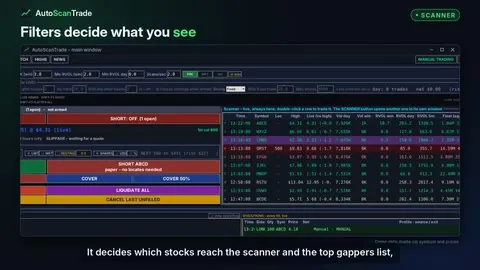 Scanner filters - price, gap, volume and relative volume2:00 · 0:30
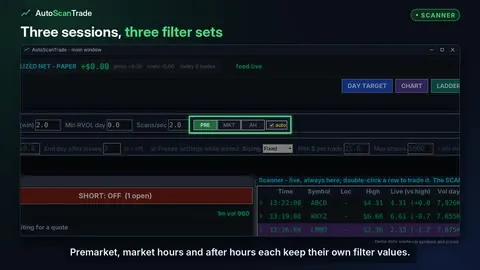 Session sets - PRE, MKT, AH and auto2:00 · 0:30
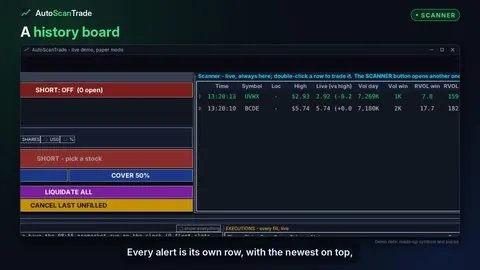 The scanner board - every alert, its own row2:00 · 0:30
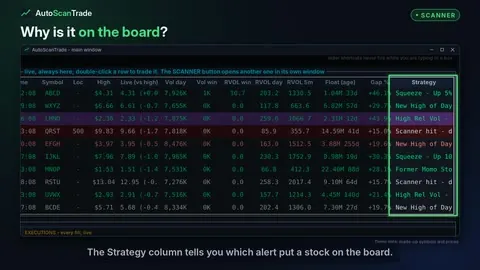 Scanner alert types - what each Strategy means2:00 · 0:30
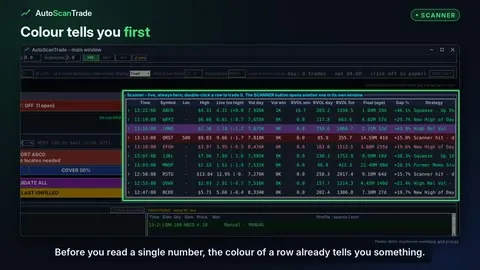 Scanner row colours - what green, purple, red and yellow mean2:00 · 0:30
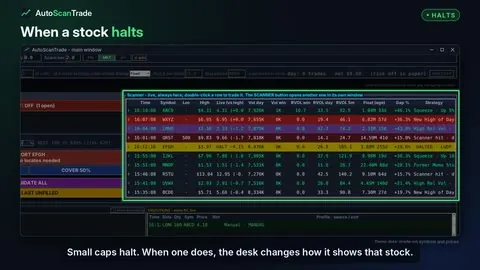 Halted stocks - how the desk shows a halt2:00 · 0:30
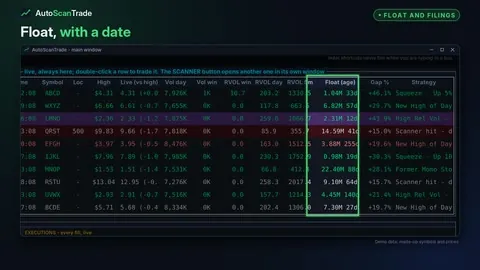 Float with its age, and where a stock files from2:00 · 0:30
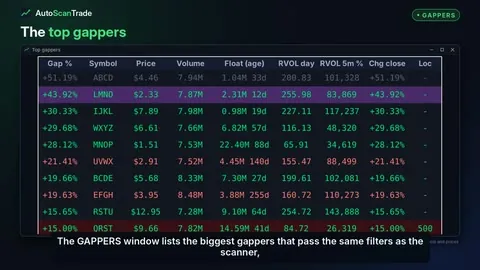 Top gappers - the biggest gappers that pass your filters2:00 · 0:30
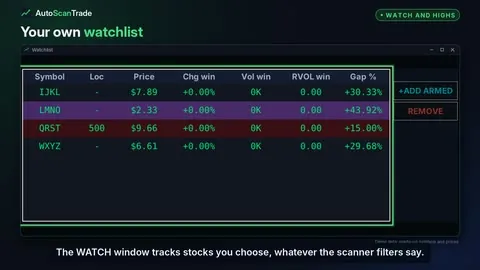 Watchlist and new highs2:00 · 0:30
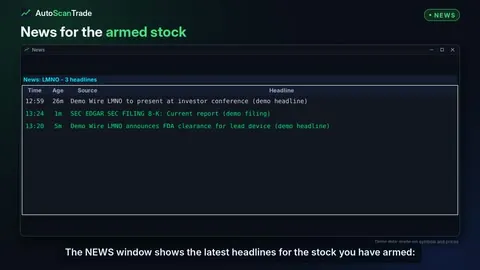 News and SEC filings for the stocks you watch2:00 · 0:30
Trading panel and hotkeys
Order size, limit or market, BUY and SHORT, the eight buttons, hotkeys, locates and manual trading.
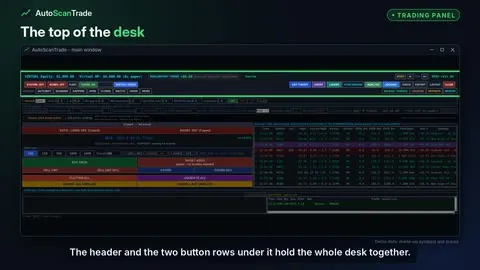 The header and button rows - a tour of the top of the desk2:00 · 0:30
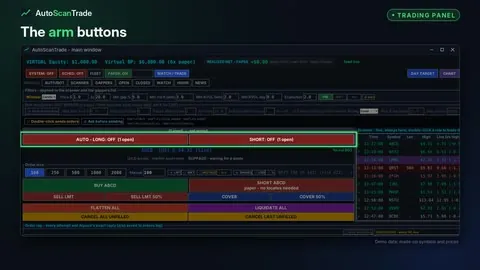 Arm buttons and the status strip - 1m volume, LULD and slippage2:00 · 0:30
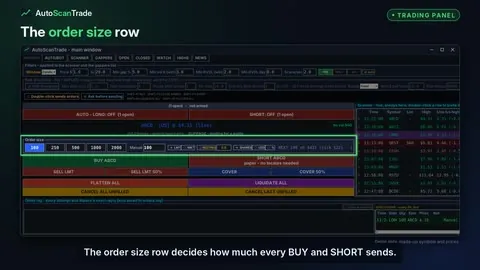 Order size - shares, dollars or percent of buying power2:00 · 0:30
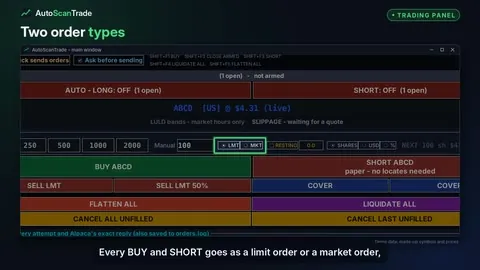 Limit or market - LMT and MKT orders, every session2:00 · 0:30
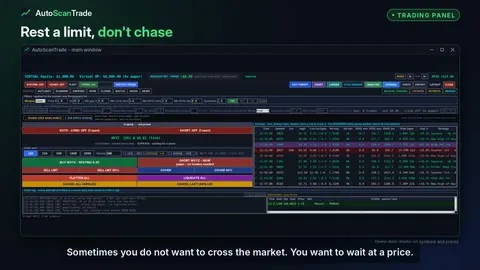 The resting rail - a limit entry you drag into place2:00 · 0:30
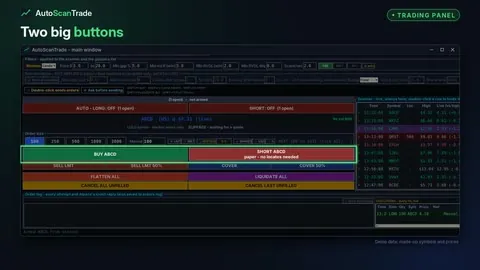 BUY and SHORT - one click, no confirmation box2:00 · 0:30
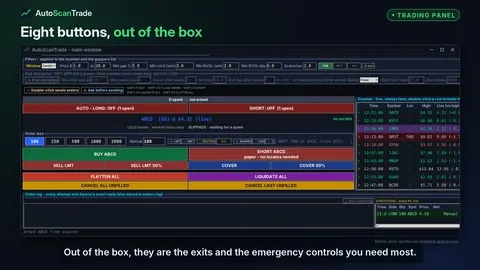 The eight buttons - sell, cover, flatten, liquidate and cancel2:00 · 0:30
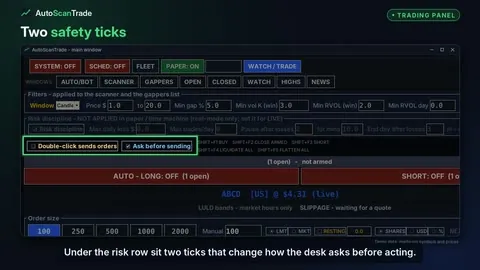 Ask before sending, double-click, and when an order is refused2:00 · 0:30
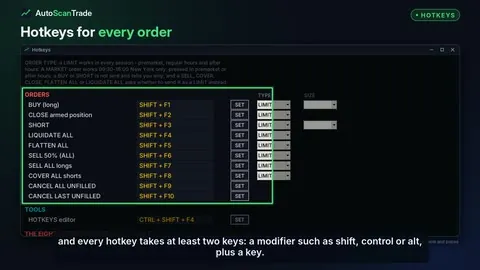 Hotkeys - two-key shortcuts for every order2:00 · 0:30
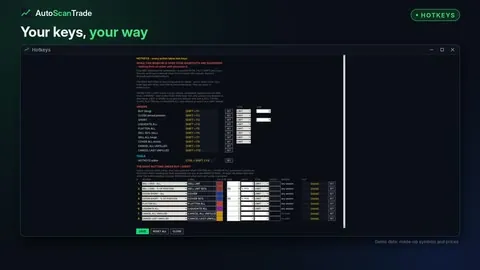 The HOTKEYS window - set your keys and your eight buttons2:00 · 0:30
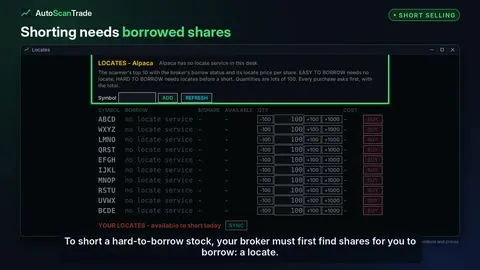 Short selling and locates2:00 · 0:30
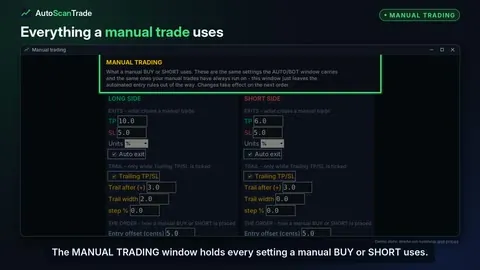 The MANUAL TRADING window - every setting a manual trade uses2:00 · 0:30
Trade ladder and chart
The ladder and its levels, the trailing stop on the rail, the chart, indicators and signal arrows.
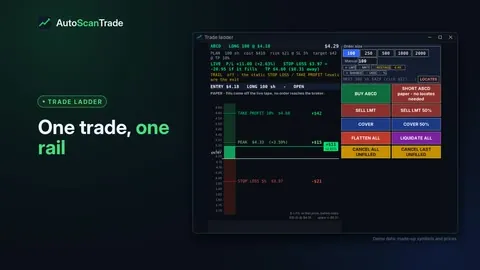 The trade ladder - one trade on one price rail2:00 · 0:30
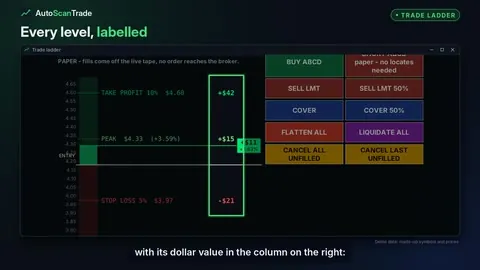 Ladder levels - take profit, stop loss, peak, and dragging them2:00 · 0:30
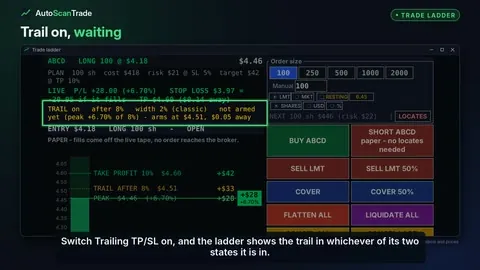 The trailing stop on the ladder - waiting, then running2:00 · 0:30
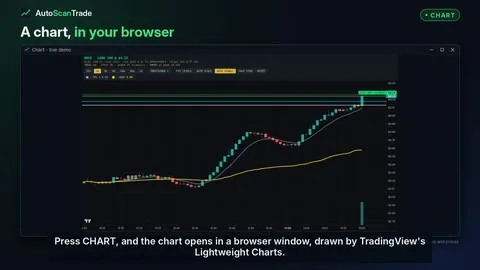 The chart - candles, your levels and the live result2:00 · 0:30
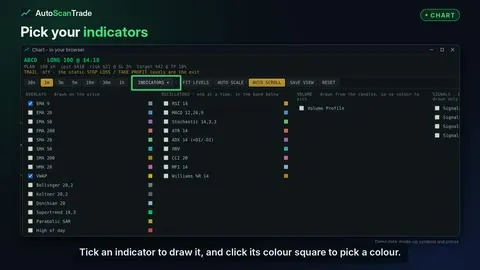 Chart indicators - overlays, oscillators and volume profile2:00 · 0:30
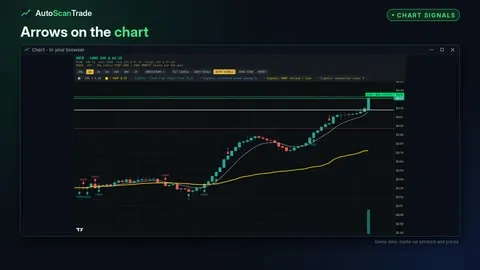 Chart signals - trend flip, structure break, VWAP reclaim and exhaustion2:00 · 0:30
Automation (full desk)
How the automation decides, arming, entry rules, gates, chart-signal entries, profiles, the fleet and the schedule.
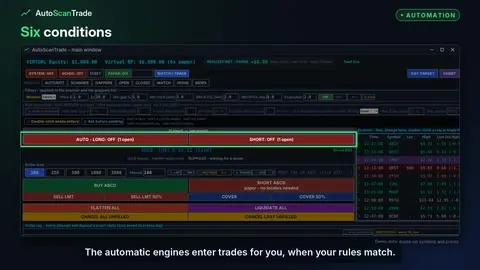 How the automation decides - every condition, in order2:00 · 0:30 · full desk
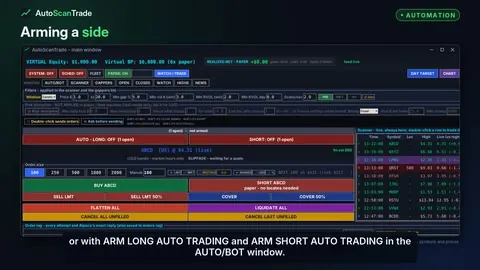 Arming and disarming the automation2:00 · 0:30 · full desk
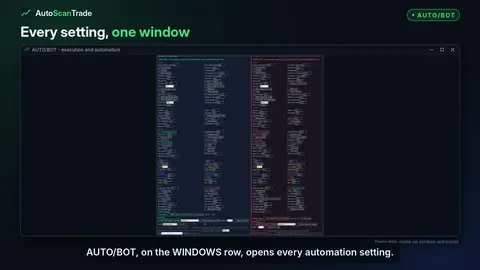 The AUTO/BOT window - every automation setting in one place2:00 · 0:30 · full desk
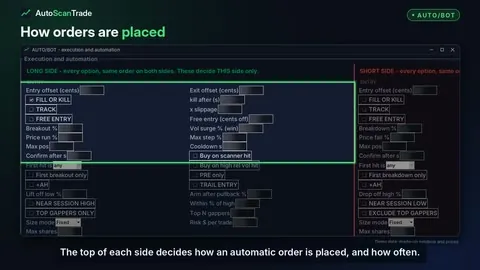 Order handling - offsets, fill or kill, track, free entry and cooldown2:00 · 0:30 · full desk
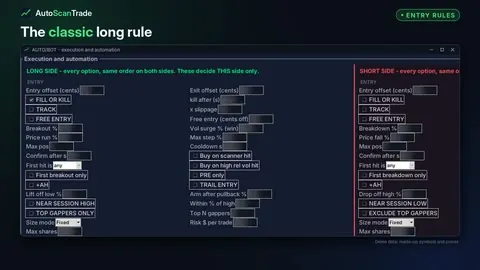 The breakout engine - breakout %, volume surge, price run and max step2:00 · 0:30 · full desk
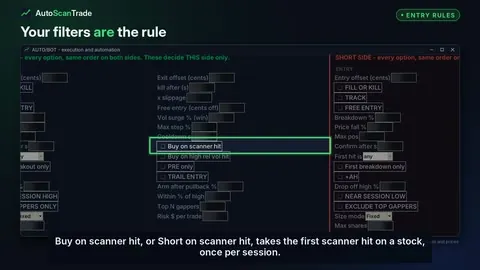 Scanner-hit entries - buy on scanner hit, first hit, PRE only2:00 · 0:30 · full desk
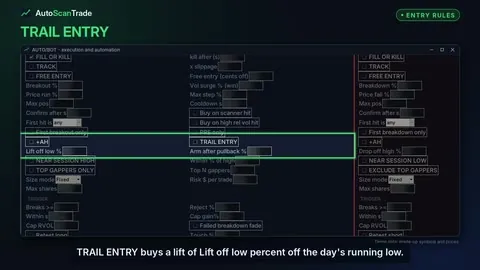 More entry rules - trail entry, near session high, top gappers2:00 · 0:30 · full desk
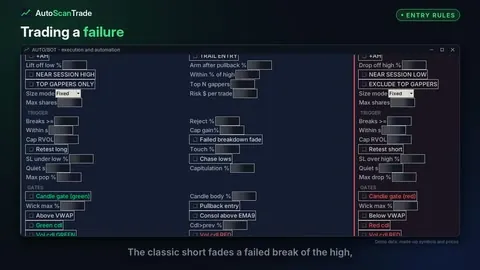 Fade and retest rules - trading a failure at a level2:00 · 0:30 · full desk
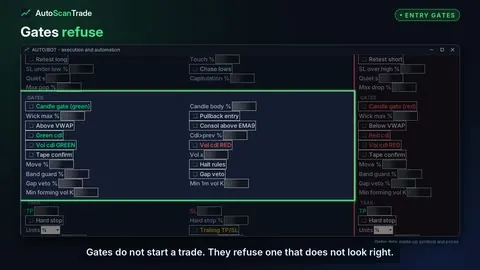 Entry gates - candle, pullback, VWAP, EMA9 and volume candle2:00 · 0:30 · full desk
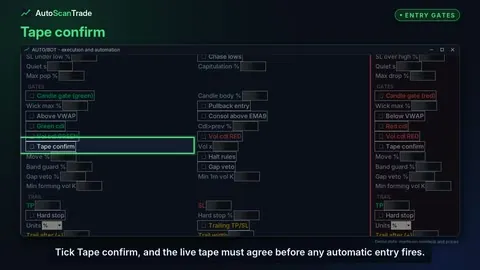 Tape confirm and the volume, gap and band vetoes2:00 · 0:30 · full desk
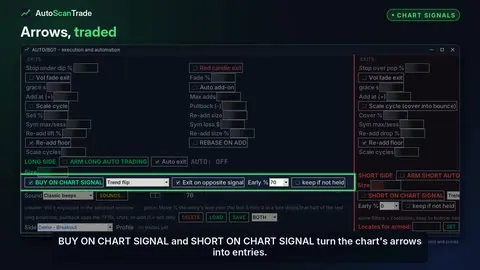 Trade chart signals - BUY ON CHART SIGNAL with Early %2:00 · 0:30 · full desk
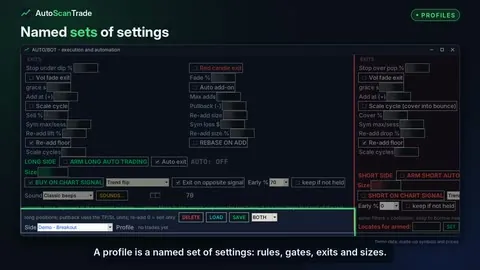 Profiles - save, load and compare whole sets of settings2:00 · 0:30 · full desk
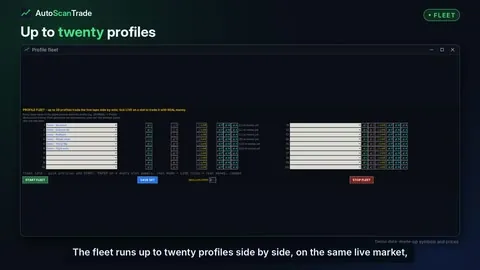 The profile fleet - up to 20 profiles, side by side2:00 · 0:30 · full desk
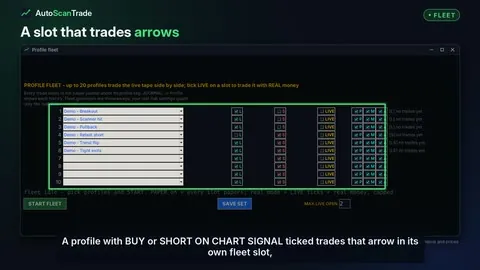 Chart-signal slots and the four signal strategies in the fleet2:00 · 0:30 · full desk
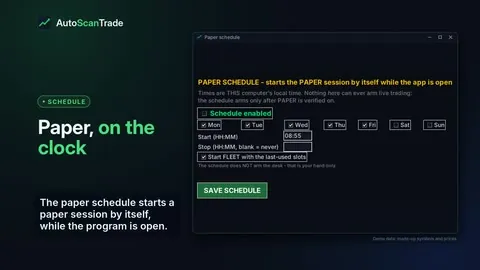 The paper schedule - start paper and the fleet on the clock2:00 · 0:30 · full desk
Exits and risk controls
Take profit, stop loss, trailing stops, other exits, adding and scaling, halts, risk limits and the day target.
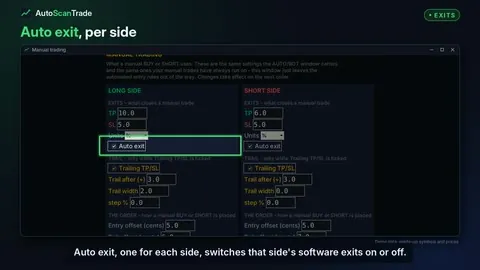 Auto exit and units - percent or dollars2:00 · 0:30
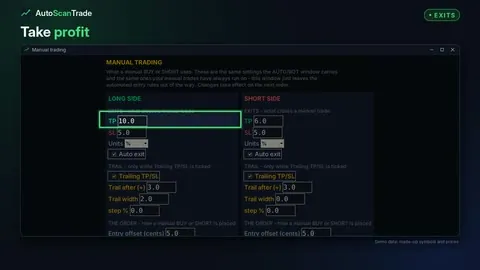 Take profit and stop loss2:00 · 0:30
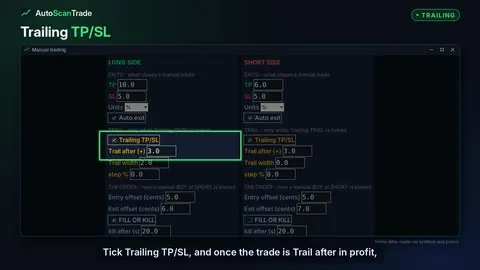 The trailing stop - trail after and trail width2:00 · 0:30
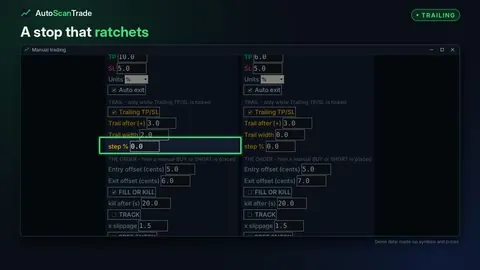 The step lock - a stop that ratchets in steps2:00 · 0:30
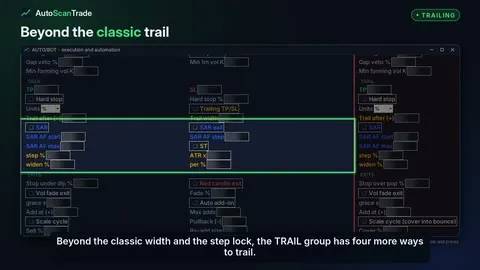 Advanced trails - ATR chandelier, widening, Parabolic SAR and Supertrend2:00 · 0:30
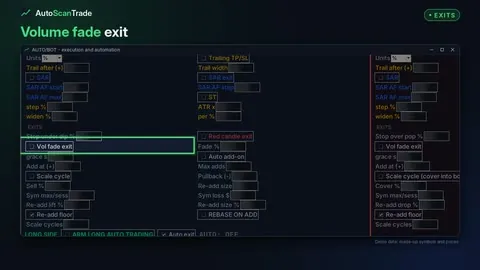 Other exits - volume fade, candle exits and the hard stop2:00 · 0:30
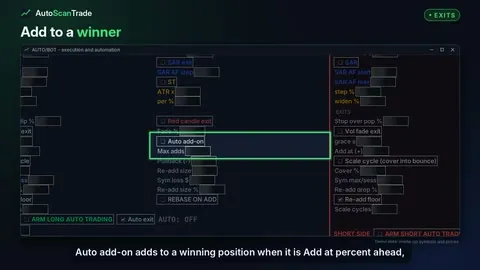 Adding and scaling - add-ons, scale cycles and the re-add floor2:00 · 0:30
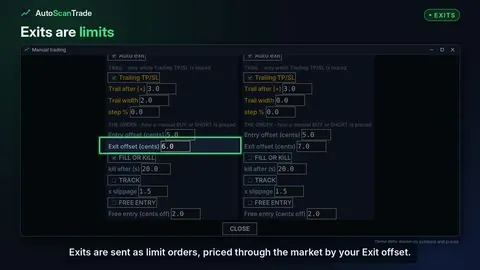 How exit orders are sent - exit offset, exit chase and the band2:00 · 0:30
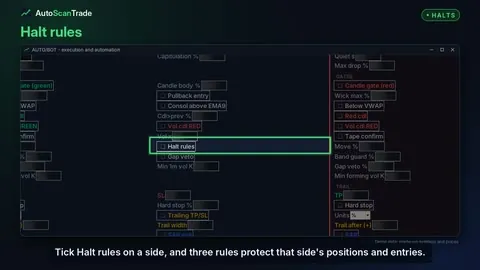 Halt rules and limit bands - LULD escape, resume stop and band guard2:00 · 0:30
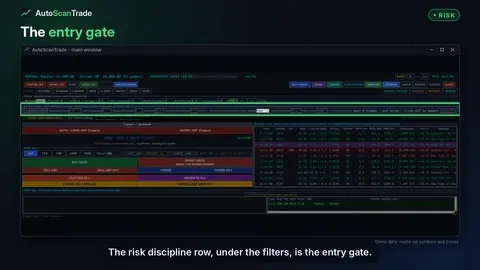 Risk discipline - daily loss, trade caps, losing streaks and sizing2:00 · 0:30
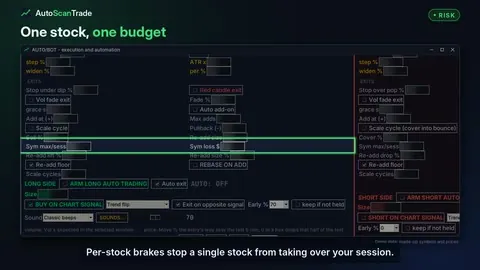 Per-stock brakes - limits on one stock per session2:00 · 0:30
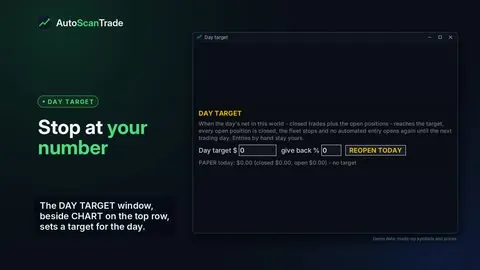 The DAY TARGET - stop for the day at your number2:00 · 0:30 · full desk
Journal and analysis
Realized net, the order log, execution timing, the journal, ANALYSE, trade reports and exports.
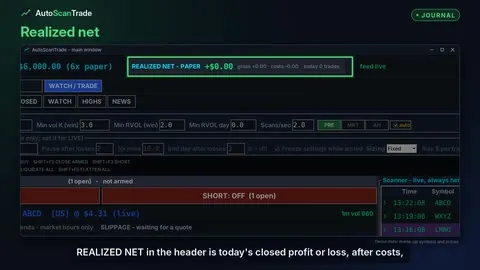 Realized net, open trades and closed trades2:00 · 0:30
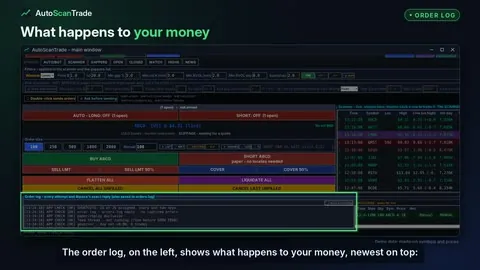 The order log and executions - every order and every reply2:00 · 0:30
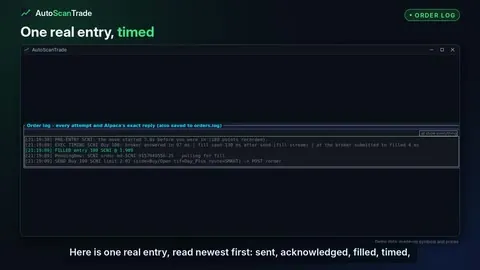 How long an order actually took - EXEC TIMING2:00 · 0:30
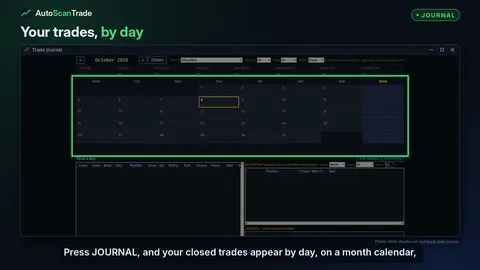 The JOURNAL window - your trades on a calendar2:00 · 0:30 · full desk
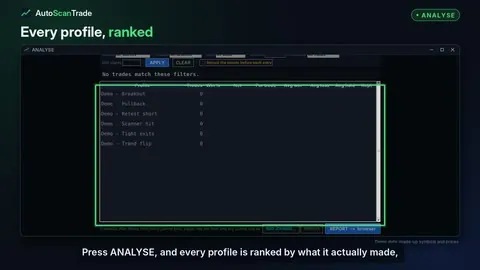 ANALYSE - every profile ranked by what it actually did2:00 · 0:30 · full desk
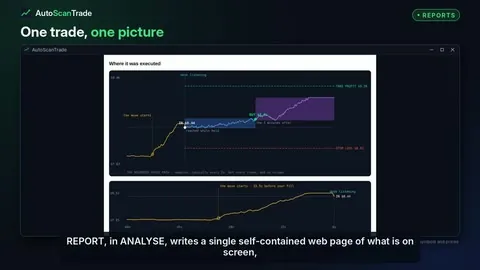 Trade reports - where it was executed2:00 · 0:30 · full desk
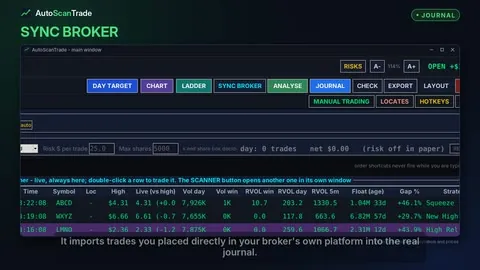 SYNC BROKER, EXPORT, and paper kept apart from live2:00 · 0:30
Broker, keys and settings
Broker and commissions, credentials, sounds, layouts, the self-check, the risks window and the clock.
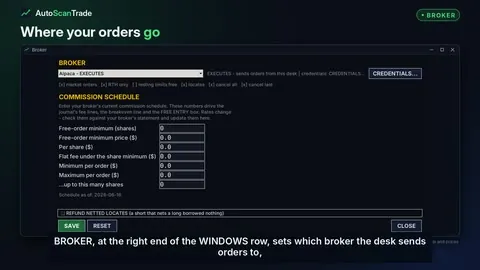 The BROKER window and your commission schedule
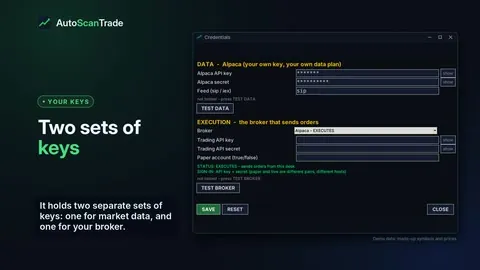 Credentials - your data key and broker keys stay on your PC
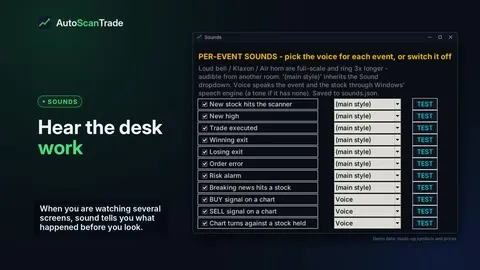 Sounds - a voice for every event
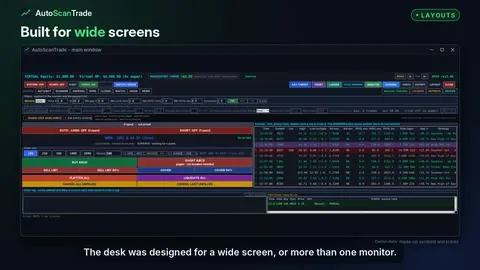 Layouts and text size - fit the desk to your screens
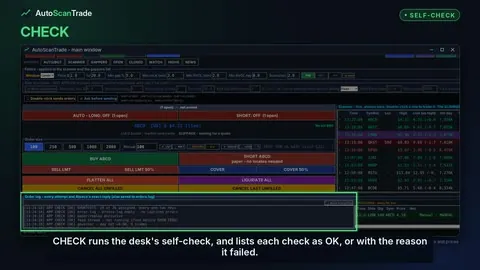 CHECK, the risks window, and the clock